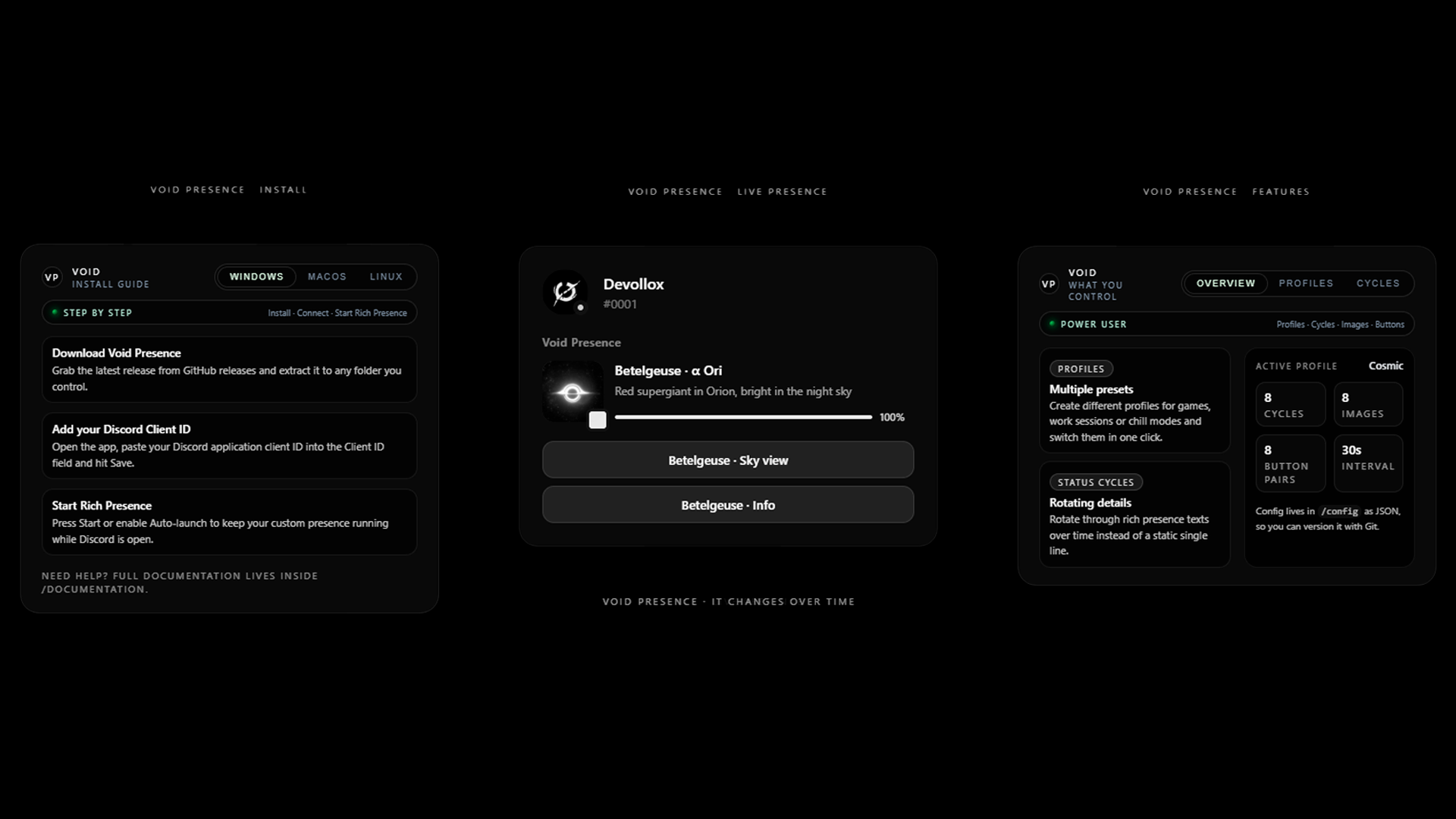
Void Presence
A downloadable app for Windows

[ DOWNLOAD NOW ] [ DOCUMENTATION ] [ GITHUB ]
Advanced Discord Rich Presence Manager with music and YouTube recognition, status cycles, images, and customizable update intervals.
Quick Start
- Download and run the Windows installer.
- Enter your Discord Client ID from the Developer Portal.
- Set up your cycles (Status, Images, Buttons).
- Click Save and enjoy the presence!
Functions
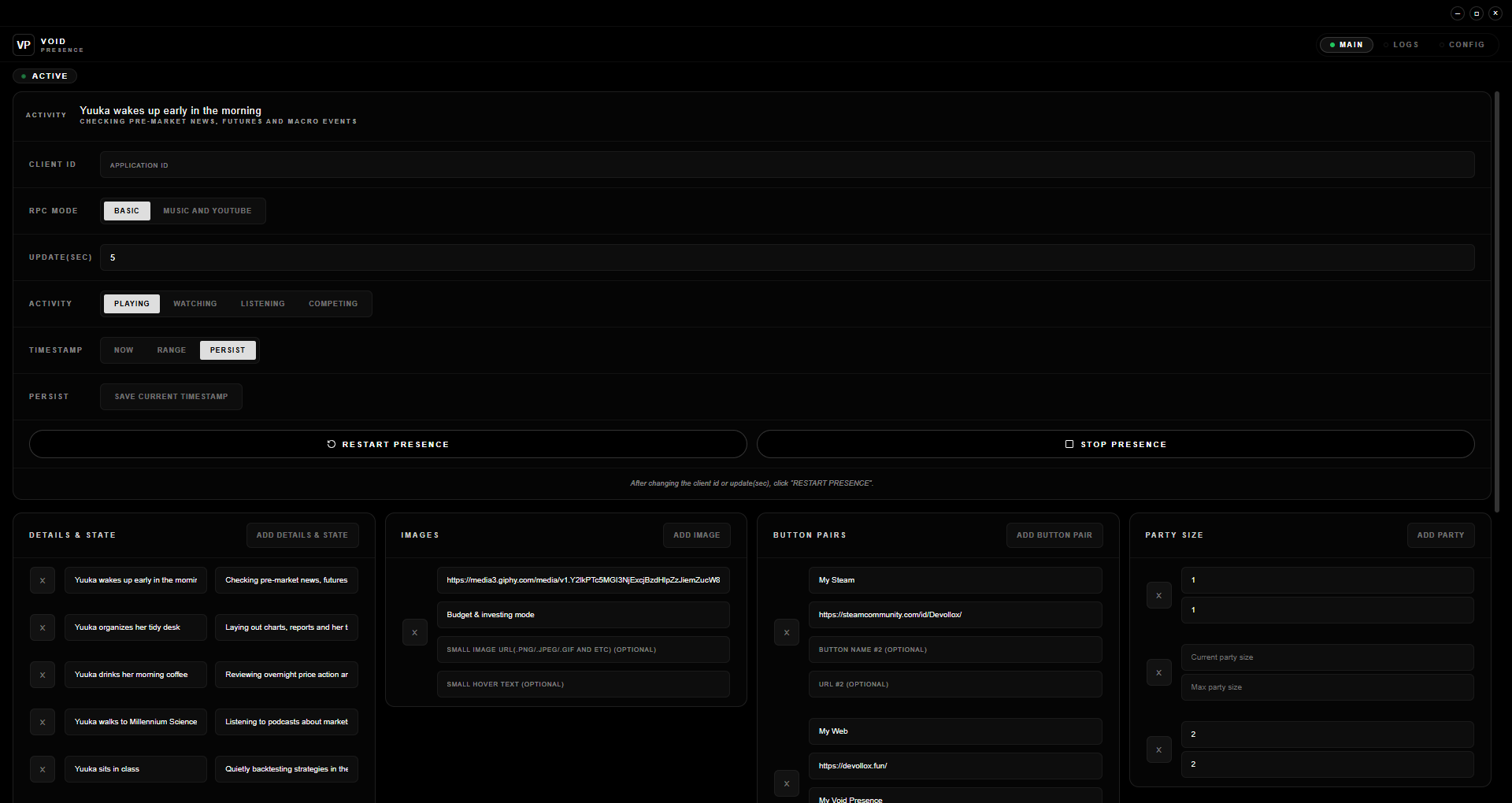
- RPC Modes – Basic (Lite) / Music and YouTube (Music + YouTube).
- Custom button pairs – Create multiple button sets with labels and URLs.
- Custom update interval – Control how often activity is refreshed.
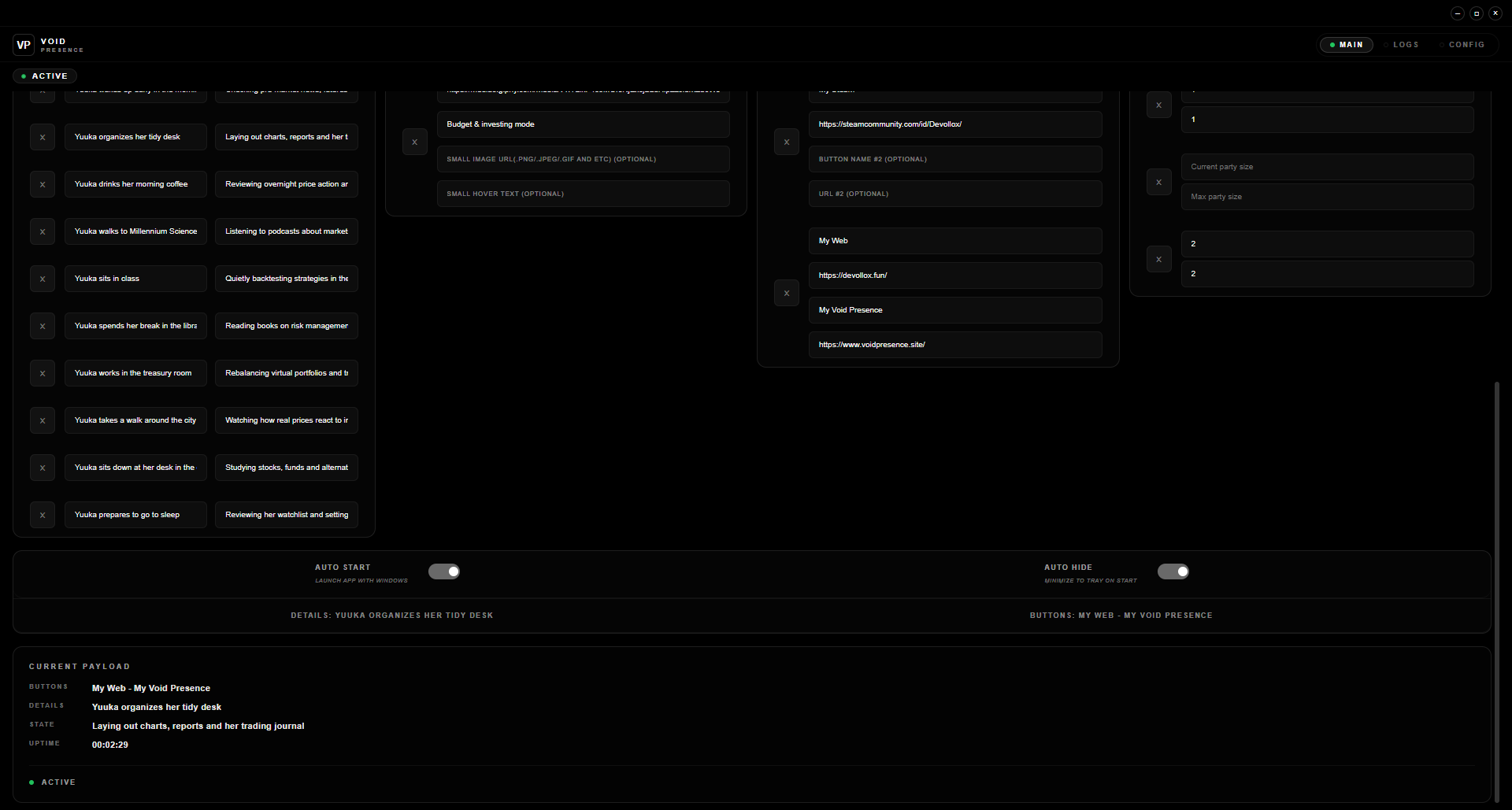
- Status cycles – Rotate between different status messages.
- Image rotation – Cycle through multiple large and small images.
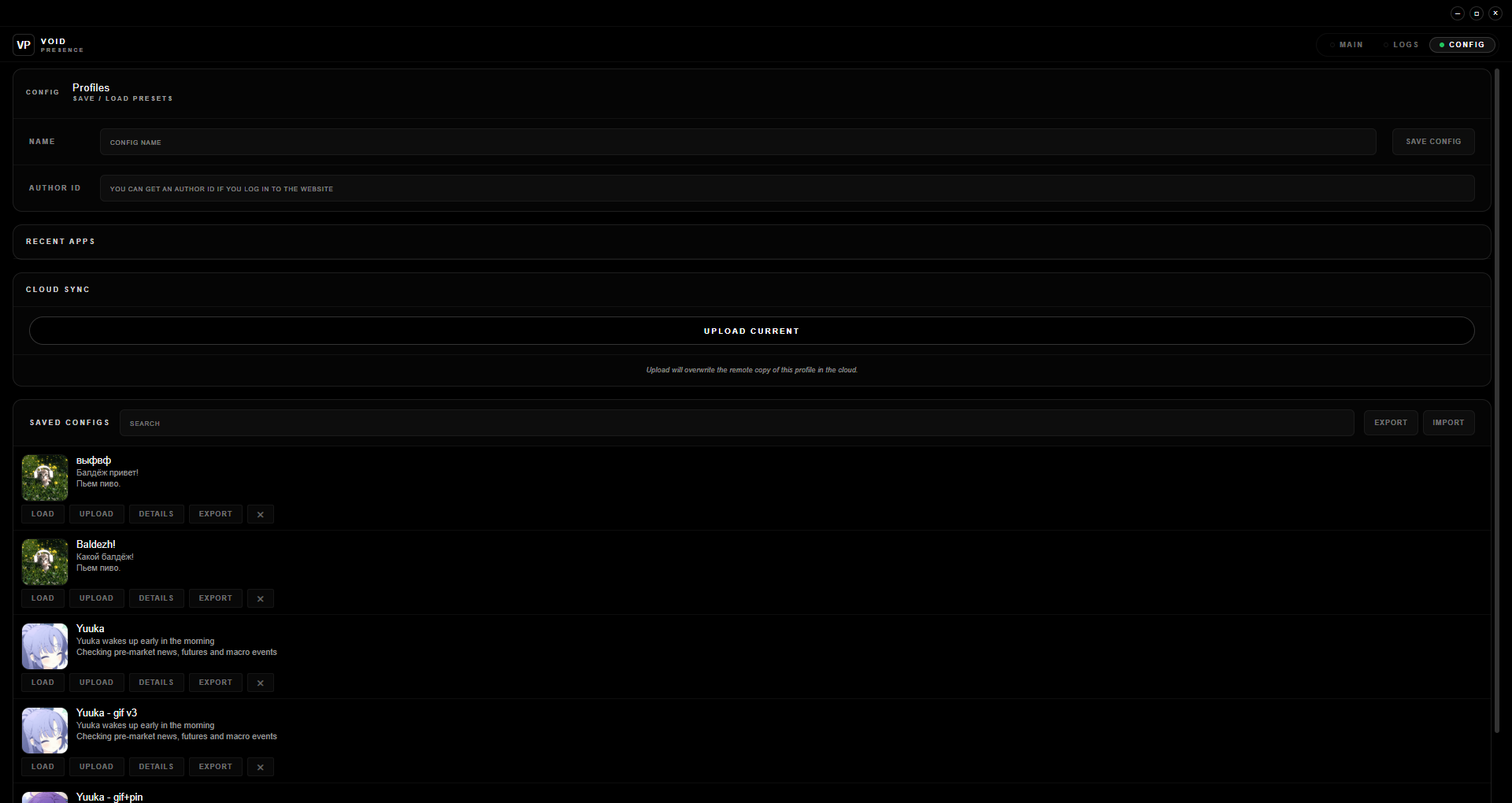
- Profiles with drag & drop – Create and switch between presence profiles.
- Config import / export – Transfer settings via JSON config files.
- Real-time updates – Activity refreshes automatically every 30s.
- Auto-launch & Auto-hide – Start with system or minimize to tray.
Presets & Community Configs
Void Presence ships with ready‑to‑use presets and supports custom configurations.
You can browse community configs here: + Configs.
Keyboard shortcuts
Ctrl+,– Show / hide window.Ctrl+R– Restart Rich Presence.Ctrl+Q– Quit application.
Security & data
Void Presence uploads only Rich Presence configuration data when you use cloud features or share configs on the website.
Created with ❤️ by [ Devollox ]
Download
Install instructions
1. Download the file Void.Presence.Setup.exe
2. Run the installer → Next/OK
3. Open the Discord Developer Portal
4. Create an application → Copy the APPLICATION ID
5. Insert the ID into the "CLIENT ID" field in the app
6. Set your preferred value for the UPDATE INTERVAL
7. Click the "RESTART PRESENCE" button to start
Development log
- v2.6.1 – Auto-Update & StabilityApr 15, 2026
- Teaser thoughtsApr 10, 2026
- v2.6.0 – Filtered RPC & Lighter UI RevolutionApr 10, 2026
- Roadmap: What’s Next for Void Presence (v2.5.3 & v2.6.0)Apr 07, 2026
- v2.5.2 – Advanced Mode Quality PassApr 06, 2026
- v2.5.1 – Hotfix: Drag & Drop & StabilityApr 05, 2026
- v2.5.0 – The GUI Overhaul: A Fresh Look & Smarter ControlsApr 05, 2026
Leave a comment
Log in with itch.io to leave a comment.